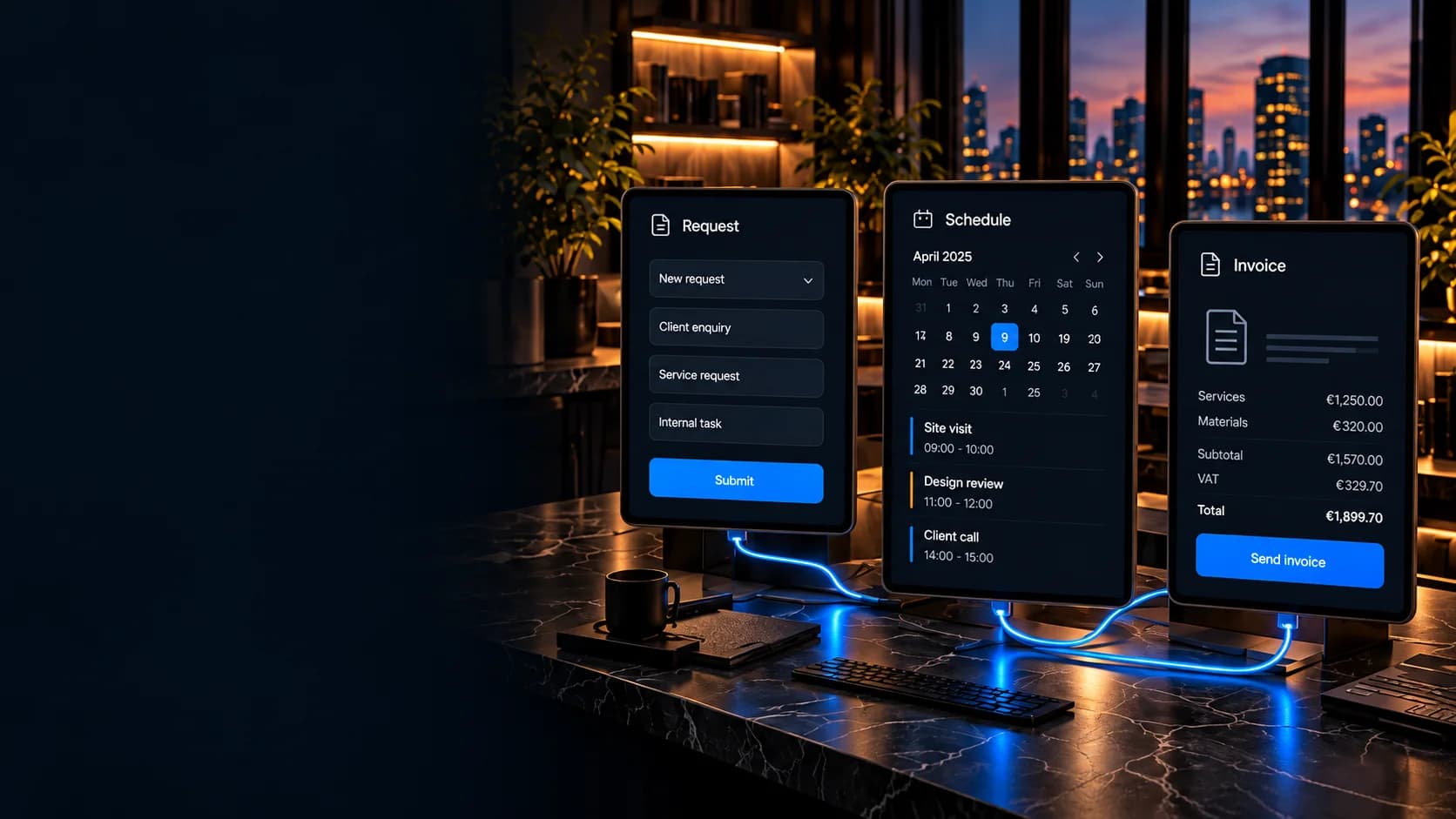

AI platform & desktop app
Vorteca Office
Our own AI office: a desktop app in which a team of AI agents does real work, while we decide what goes out the door.
View caseLess manual work
Take repetitive work out with smart workflows, integrations and automated messages. Less retyping, less forgetting, fewer mistakes — and time back for the work you actually get paid for.
Where it goes wrong
Automation sounds grand, but it almost always starts small and boring. A request arrives through the form, someone retypes it into the calendar, sends a confirmation by hand, sets a reminder on their phone and later raises an invoice from a note. The same data four times, and four moments where it can go wrong.
We take those steps out. The request lands straight in the system, the confirmation goes out on its own, the reminder follows 24 hours ahead, and the invoice picks up data that is already there. Nobody has to remember.
One thing matters throughout: anything that triggers mail, notifications or payments gets a rate limit and an idempotency key from the start. An automation that accidentally sends fifty emails is worse than no automation.
Comes in through your website, email or portal.
The client is notified and the right team is alerted.
Tasks and people are scheduled automatically.
Work done? The invoice comes from the same data.
What we automate
We usually start with whichever process causes the most friction.
From form to calendar to confirmation, with nobody in between.
Let the systems you already run talk to each other, instead of sitting between them.
Quotes, invoices and overviews that fill themselves from what is already known.
Proof
Processes that now run on their own.
Our own AI office: a desktop app in which a team of AI agents does real work, while we decide what goes out the door.
View case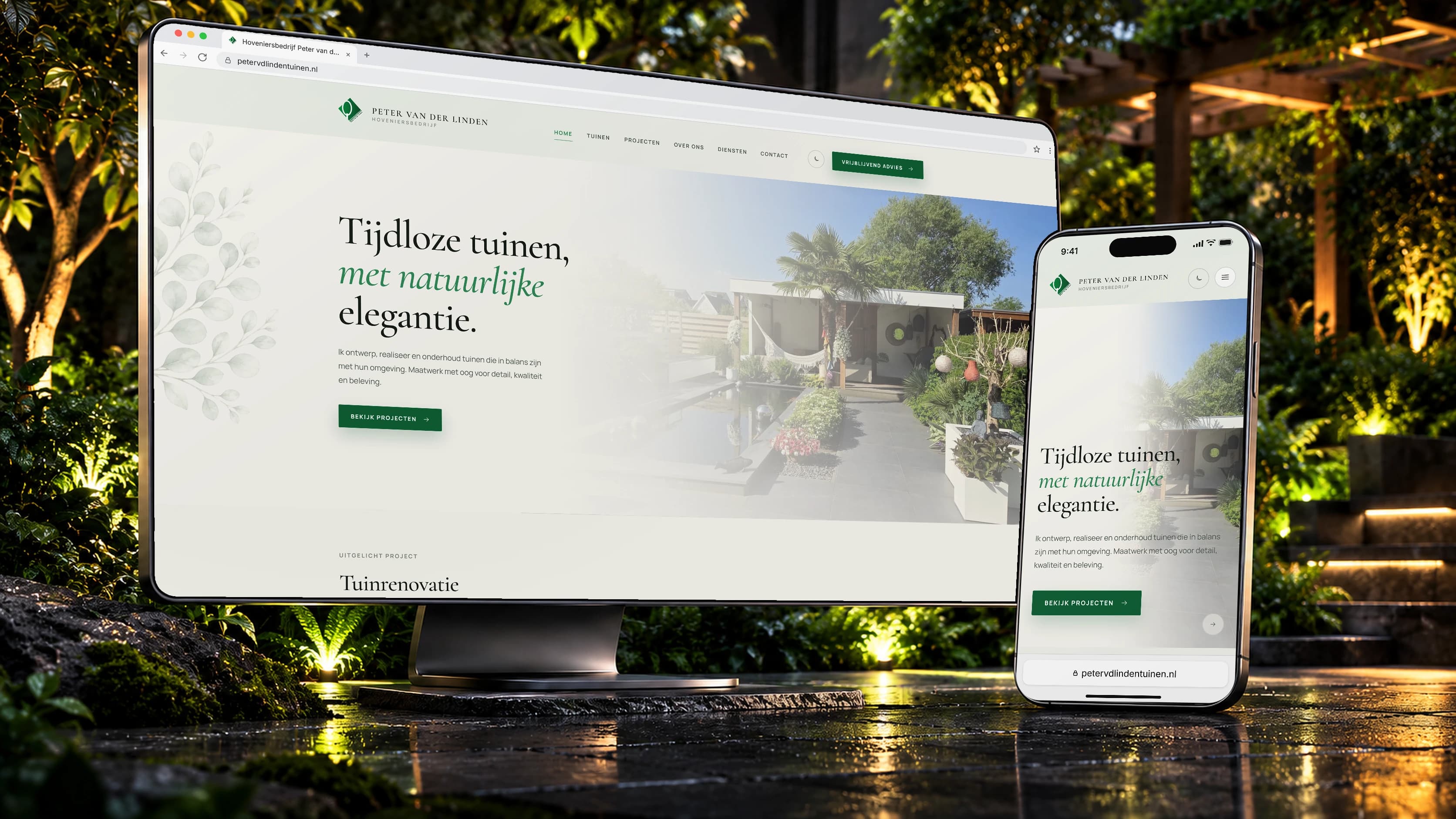
For landscaping company Peter van der Linden we built a professional custom website with a smart admin workflow and PWA app behind it.
View case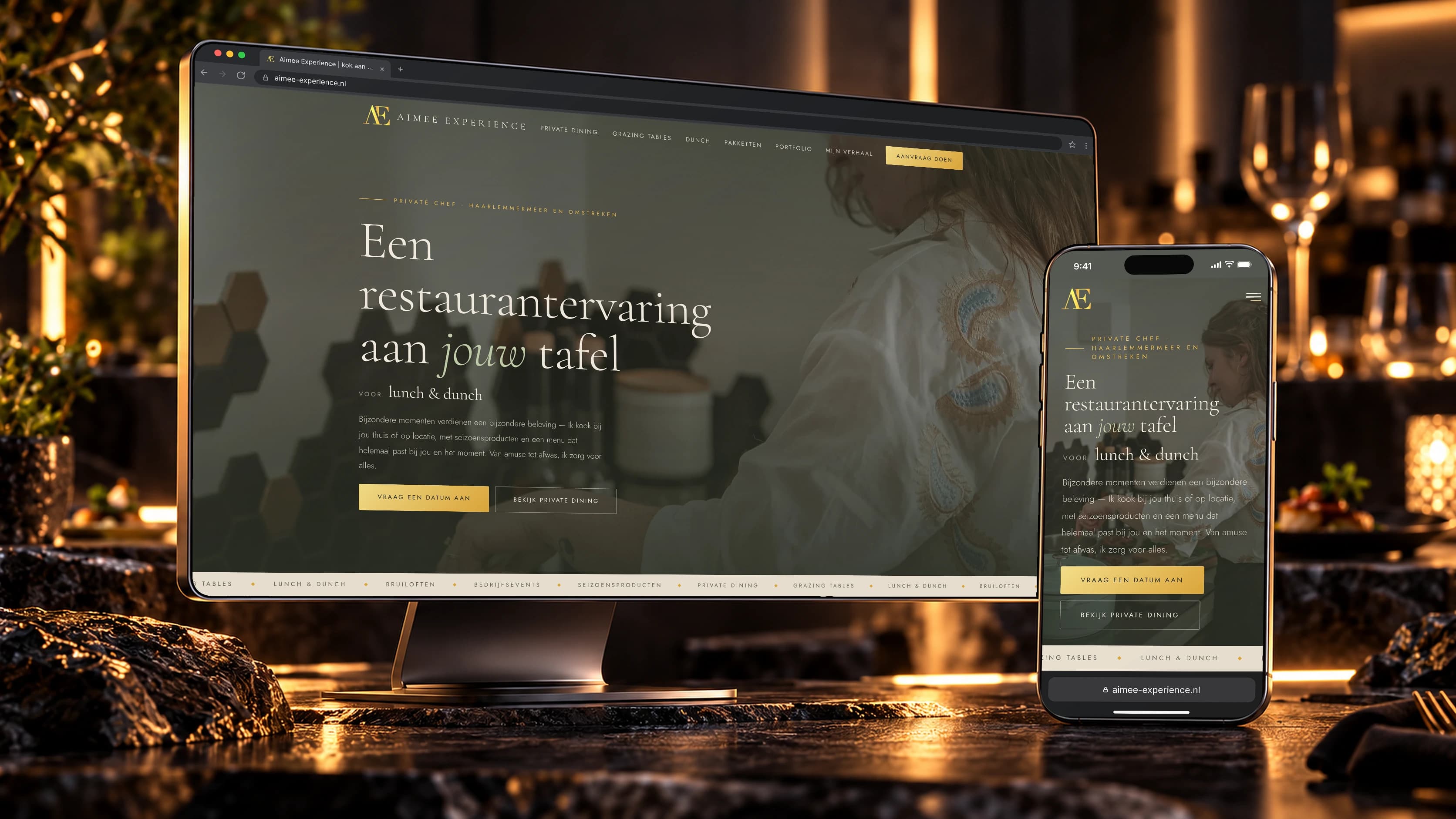
A stylish digital experience for Aimée Experience, centred on the personal and exclusive feel of private dining.
View case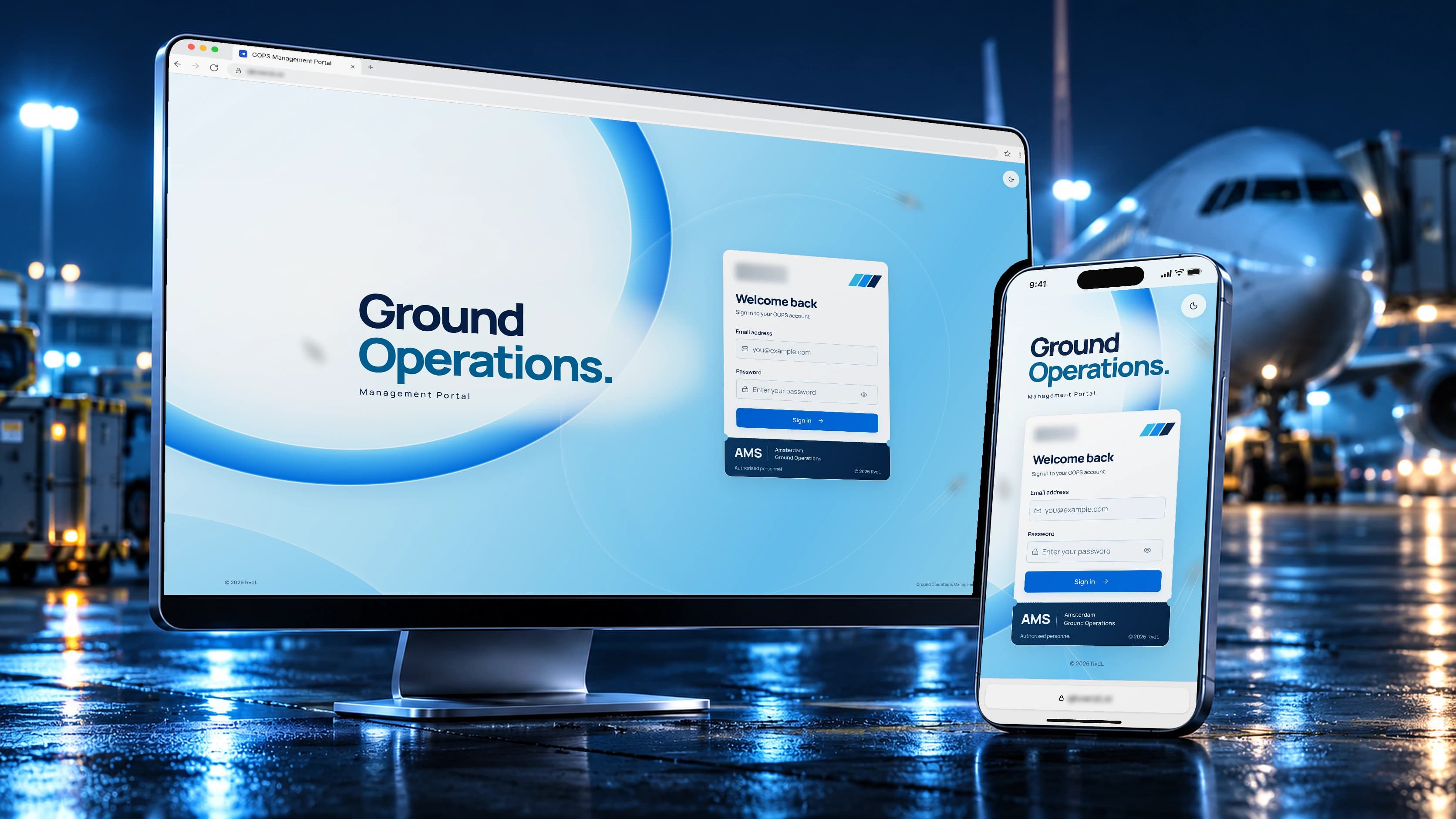
For an aviation company we developed an internal management portal that brings key operational processes together in one central environment.
View caseIntake, strategy and scope: we map your goals and turn them into a clear plan.
Design direction and development in fixed iterations, with previews along the way.
Testing, security review and launch. After that the system keeps being maintained and improved.
Pricing
No two processes are the same. We scope each project around your goals, tools and requirements, and you get a fixed quote upfront.
We look at your process together and design a solution that fits your business.
Book an intakeFrequently asked
With the step that happens most often and goes wrong most often. Usually that is the route from request to confirmation, or retyping between two systems. We start small and measurable, not with a master plan.
Automation inside an existing system is often a matter of days rather than weeks. If the process is spread across several tools, the price depends on the number of integrations. After the intake you know where you stand.
If it has an API or webhooks, usually yes. If it does not, that is a signal in itself — sometimes replacing that one piece is cheaper than continuing to build around it.
Every flow is idempotent and rate-limited: the same trigger twice does not produce two emails or two invoices. Errors go to the server log with attribution, not to your client.
Transactional mail — confirmations, reminders, invoices — is standard. Marketing mailings and push campaigns are a separate arrangement with their own activation check, precisely because the cost and GDPR picture is different there.
Yes. Sent messages and executed actions are visible in the system, so you can check that what you expected actually happened.
Keep exploring
Next step
Book a no-obligation intake. We map your goals, scope and priorities and give you clear, honest advice with no strings attached.