
Client Portal
Your project.
One shared workspace.
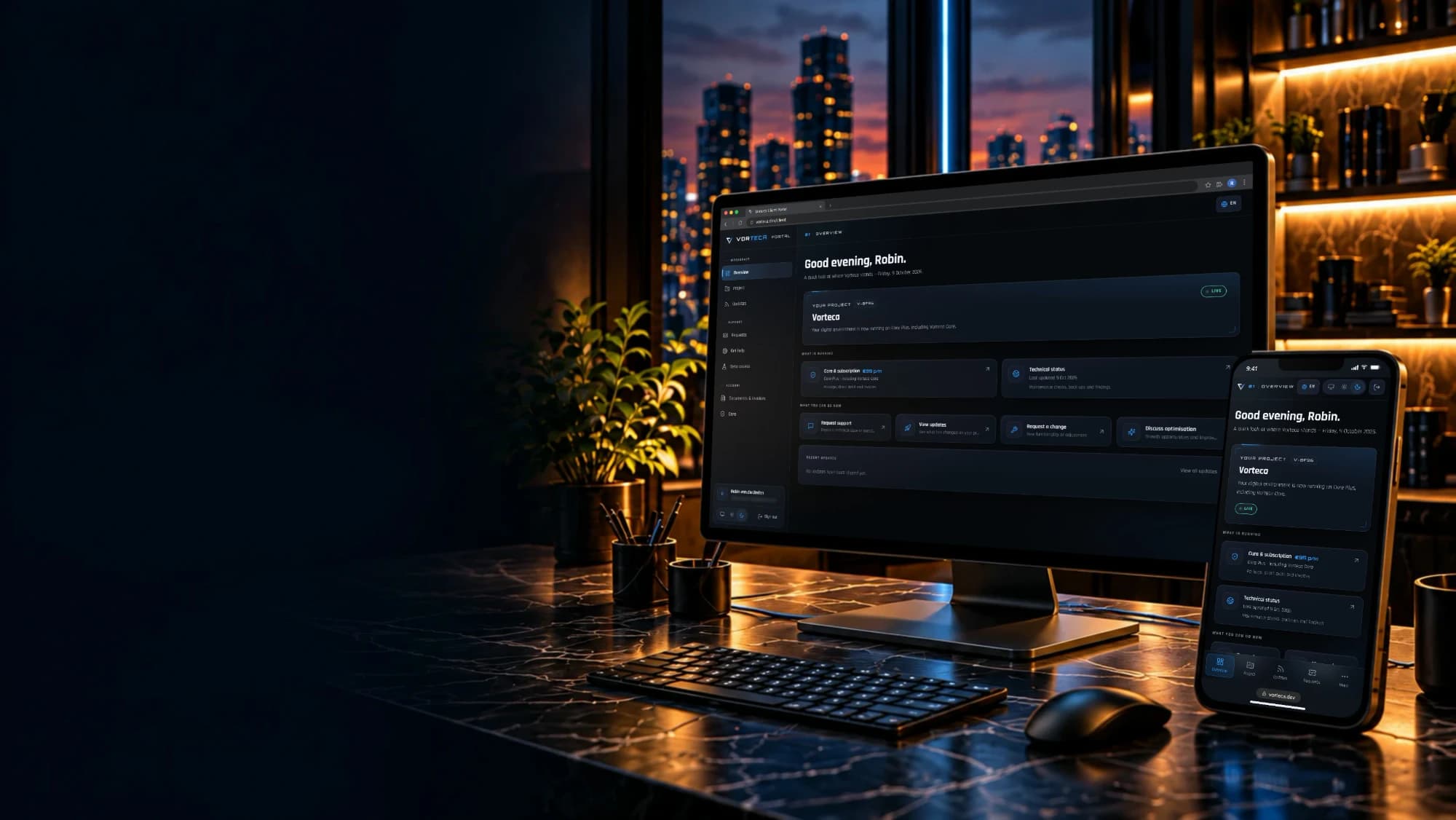
The Vorteca Client Portal is the central place for everything around our collaboration: project status, tickets, updates, invoices, documents, beta links, maintenance and direct contact. Not a separate tool, but part of how Vorteca manages and improves projects.
The idea
A portal that carries the collaboration.
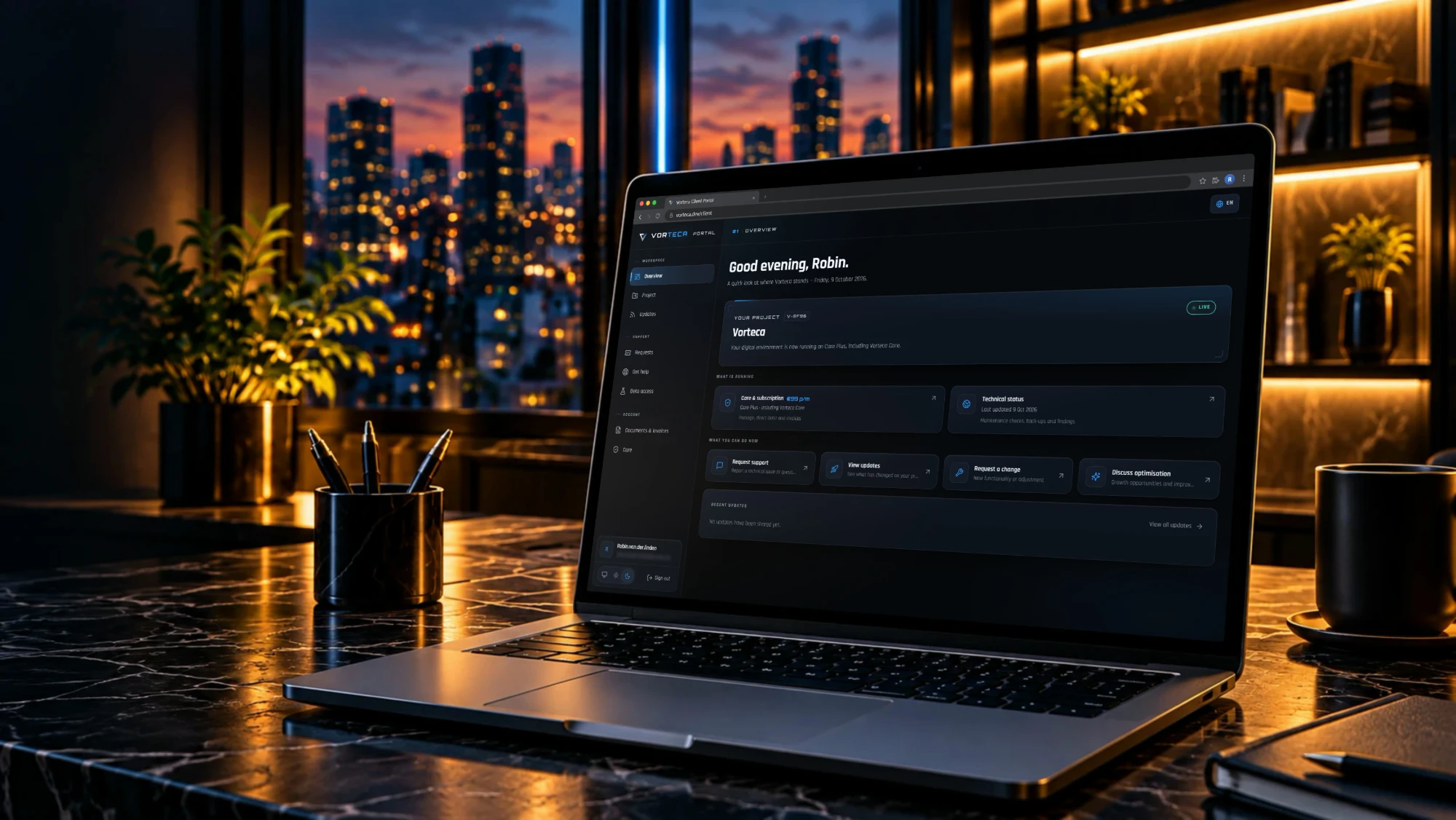
A strong project needs more than scattered emails and files. In the Client Portal you see the current status, open actions and where to go for support, documents and test links.
Project status
See where your project stands, which phase is active and what comes next.
Tickets
Keep follow-up clear with status, context and history for every request.
Updates
Read what has shipped, what changed and what is coming up.
Invoices & documents
Find invoices, quotes, agreements and project files in one fixed place.
Maintenance & monitoring
View maintenance, checks, backups and signals about your system health.
Beta links
Open test environments, preview links and new parts before they go live.
Support requests
Ask a question, report an issue or request a small change.
Direct contact
Reach Vorteca quickly with the right context already in place.
Part of the collaboration. The Client Portal is being expanded step by step. Clients receive access when their project or maintenance track is set up for it.
The ecosystem approach
From kick-off to ongoing care.
It is the shared workspace beside our conversations: clear for you, practical for us and built to the same premium standard as the system we create.
- 01
Project
We set up your portal, share the plan and get to work.
- 02
Launch
Review previews, give feedback and approve the final version.
- 03
Ongoing care
Follow maintenance, request support and plan future improvements.

Client Portal
Plan the next step
Starting a new project? During the intake we discuss how the Client Portal becomes part of the collaboration.